 Pagewren
A book for your family
Start where you are.
Keep what matters.
The first week, the first year, or the photos you have been meaning to sort. There is no perfect time to begin a baby book.
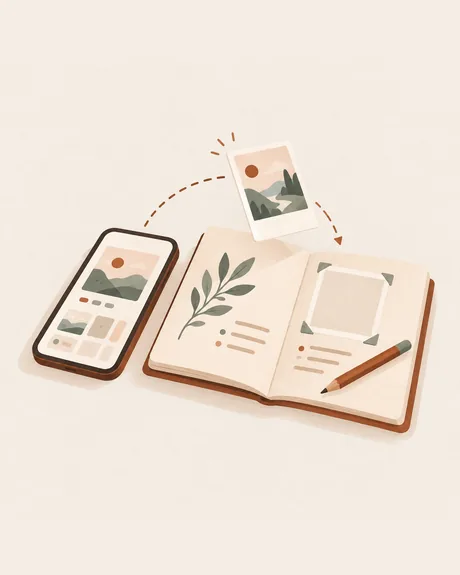
A photograph and the detail just outside the frame.
Begin with a photo from the day you met or the first afternoon at home. Add who was there, what someone said or the song you kept playing. You can start before your baby arrives, too.
Prompts for the first weeks“You slept through the whole visit. Everyone whispered anyway.”
Months behind? Begin with three photos.
You do not need to reconstruct every day. Pick a few photos you love, import them into Pagewren, and tell the stories you still remember. A gap can stay a gap.
Keep the date of the photo where you know it. If the story comes back later, you can add your words then.
Follow a small first-week planKeep the way they say it.
The wrong word that became the family word. The toy that went everywhere. A laugh at the dog sneezing. Add a short text page or put a sentence beside a photo; milestones are only one part of the story.
Ideas beyond the big firstsA letter they can come back to.
Write a few lines on a birthday, on a difficult week or on a day when nothing remarkable happened. Tell your child what life is like together and what you want them to know. Pagewren keeps the words you write as part of the book.
A simple letter structure and three examplesAnother child does not need a matching book.
Keep a separate book for each child, with their own photos, words and firsts. The books do not need the same number of pages. A family trip or a chapter of life can have its own book as well.
A page for grandparents. A copy for the years ahead.
Share a page as an image or save the book as a PDF. If you want paper pages, you can print that file yourself. Pagewren does not offer a physical printing or delivery service, and sharing a file does not let relatives edit the book together.
How keeping and sharing workBegin with the moment you have.
There is room for the rest of the story later.
Start a book in Pagewren